
Switch Company
Here is how to navigate between companies in your Evo.
Multi-Company Management in EVO
In SigaFinance EVO, users with the Multi-Company option can easily navigate from one company to another.
The company list appears in a table when selecting the dedicated button (or upon opening the software)
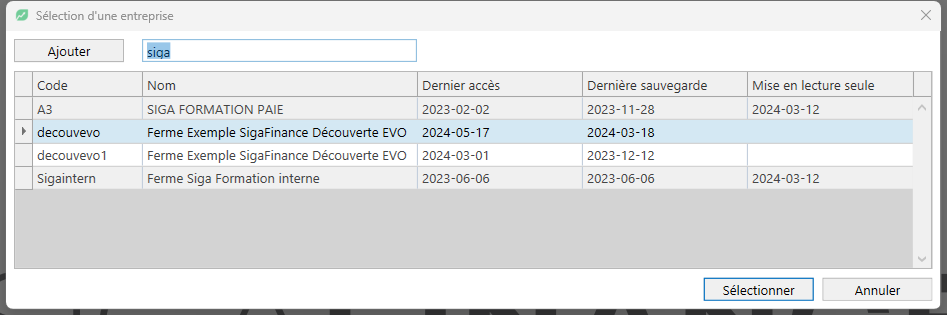
Company Statuses
All your companies appear in the table, whether active or archived:
- Active Company:
- All accounting operations are fully permitted.
- Set to Read-Only:
- Company data is archived.
- Only viewing information is allowed.
- Note: To reactivate a read-only company, you must contact Customer Service.

Last updated: 10/21/26, 8:31 PM